
If you want to watch live TV, films, series, sports, and other streaming content on your television, choosing the right IPTV player can make a huge difference. With so many applications available, finding the best IPTV apps for smart TV can be confusing, especially if you are a beginner.
The good news is that you do not need an expensive setup. A compatible Smart TV, a reliable internet connection, and a suitable IPTV player may be enough to get started. In this guide, we compare the most useful IPTV applications, explain what features to look for, and show you how to choose the right option for your needs.
Important: IPTV is a technology for delivering television content over an internet connection. Always use IPTV services and content that you are legally entitled to access.
What Is IPTV and How Does It Work?
IPTV stands for Internet Protocol Television. Instead of receiving television channels through traditional terrestrial, satellite, or cable signals, IPTV delivers video through an internet connection.
An IPTV setup usually involves three things:
- A Smart TV, streaming device, or compatible phone/computer
- An IPTV player or application
- A legal IPTV subscription, playlist, or media source
The IPTV app itself is normally a player. It may not provide channels or programmes. Instead, you add your own authorised IPTV service using information such as an M3U playlist or Xtream Codes login, depending on what your provider supports.
This distinction is important because an IPTV player and an IPTV service are not necessarily the same thing.
How to Choose the Best IPTV Apps for Smart TV
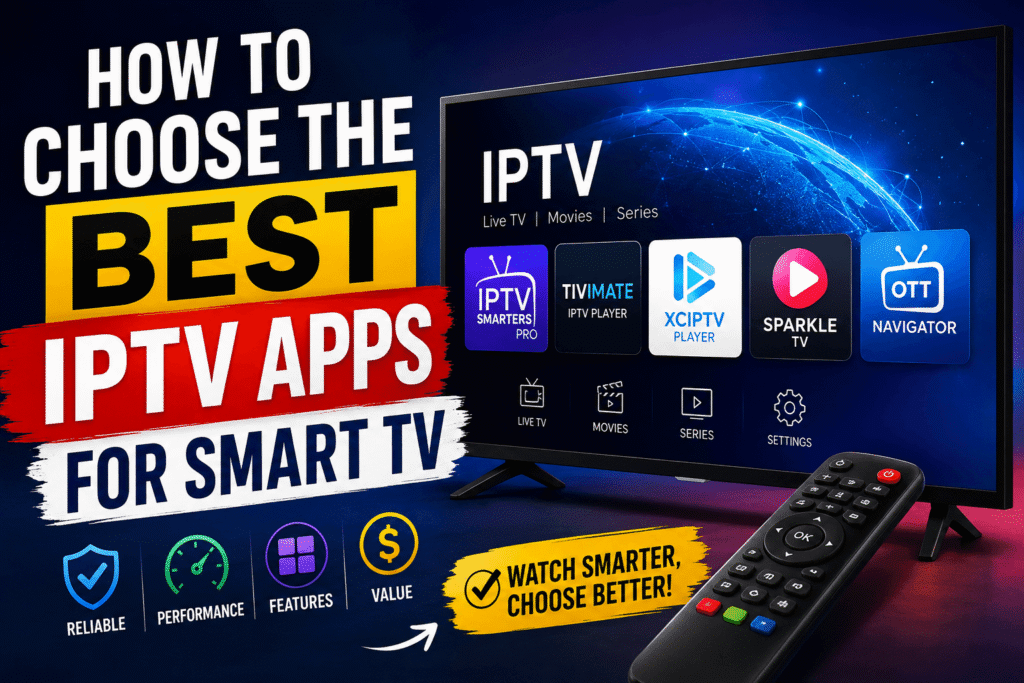
Before installing an app, consider how you actually watch television. The best choice for a beginner may not be the best choice for someone who watches hundreds of channels every day.
1. Smart TV Compatibility
First, check whether the application works with your television’s operating system.
Popular Smart TV platforms include:
- Android TV and Google TV
- Samsung Smart TV
- LG Smart TV
- Amazon Fire TV
- Apple TV
- Other compatible streaming platforms
Always check the official app store for your specific TV model before installing an application.
2. Easy-to-Use Interface
A complicated interface can make IPTV frustrating.
Look for an app that offers:
- Simple menus
- Clear channel categories
- Easy search
- Electronic Programme Guide (EPG) support
- Favourite channels
- Recently watched content
- Quick playback controls
For beginners, simplicity is often more valuable than having dozens of advanced settings.
3. EPG Support
EPG means Electronic Programme Guide. It allows you to see programme information and schedules, similar to the TV guide provided by traditional television services.
A good IPTV player should make it easy to navigate between channels and see what’s currently playing or coming next.
4. Performance and Stability
No one wants an application that freezes every few minutes.
Look for a player that:
- Starts streams quickly
- Handles large playlists efficiently
- Supports your TV’s video formats
- Offers stable playback
- Allows you to change playback settings when necessary
However, remember that buffering is not always caused by the app. Your internet connection, Wi-Fi signal, IPTV provider, server performance, and video quality can all affect playback.
Best IPTV Apps for Smart TV: Top Options
There is no single application that is perfect for everyone. The following options are popular choices depending on your TV platform and requirements.
1. TiviMate
TiviMate is widely known among Android TV and Google TV users. Its interface is designed primarily for television screens, making navigation with a remote control straightforward.
Key features can include:
- Multiple playlists
- EPG support
- Favourite channels
- Channel groups
- Search
- Recording features on supported versions
- Customisable interface
TiviMate is particularly attractive to users who want a traditional TV-style experience.
Best for: Android TV and Google TV users who want a polished TV interface.
2. IPTV Smarters Pro
IPTV Smarters Pro is another well-known IPTV player. Its straightforward interface makes it a common choice for people who are new to IPTV.
Depending on the platform and version, it may support features such as:
- Live TV
- Movies
- Series
- EPG
- Multiple profiles
- Playlist management
- Different login methods
The exact features can vary between versions and supported devices.
Best for: Beginners looking for a relatively simple IPTV interface.
3. SmartOne IPTV
SmartOne IPTV is designed for users who want IPTV playback across compatible Smart TV platforms.
Its appeal comes from features such as channel organisation, programme information, and support for common IPTV playlist formats.
Before choosing it, check whether the current version supports your exact TV operating system.
Best for: Users who want a Smart TV-focused IPTV player.
4. OTT Navigator IPTV
OTT Navigator IPTV provides more advanced customisation than some beginner-focused applications.
It can be useful for users who have large playlists and want greater control over how channels and content are organised.
Potential features include:
- Advanced playlist organisation
- Multiple sources
- EPG support
- Categories
- Favourite channels
- Customisation options
Best for: Experienced IPTV users who want more control.
5. XCIPTV Player
XCIPTV Player has a simple design and supports common IPTV features on compatible platforms.
Depending on the version, users may find features such as:
- Live TV
- Movies
- Series
- EPG
- Favourite channels
- Parental controls
- Multiple playlist options
Best for: Users who want a straightforward IPTV player with useful basic features.
Best IPTV Apps for Smart TV by Platform
Your TV operating system should be one of the biggest factors in your decision.
| Smart TV Platform | Recommended Type of App |
|---|---|
| Android TV | TiviMate, OTT Navigator |
| Google TV | TiviMate, compatible IPTV players |
| Samsung TV | Compatible Samsung IPTV players |
| LG TV | Compatible LG IPTV players |
| Fire TV | Compatible Android/Fire TV IPTV players |
| Apple TV | Compatible tvOS IPTV players |
App availability can change, so always verify compatibility through your TV’s official application store.
Best IPTV Apps for Smart TV for Beginners
If you are completely new to IPTV, avoid choosing an application simply because it has the longest feature list.
Instead, prioritise:
- Easy installation
- Simple navigation
- EPG support
- Reliable playlist management
- Good search functionality
- Compatibility with your television
- Clear support documentation
A beginner-friendly IPTV setup should feel similar to using a normal television service. You should be able to open the application, select a category, choose a channel, and start watching without constantly changing technical settings.
What Do You Need to Use an IPTV App?
Installing an IPTV player is only one part of the setup.
You generally need:
A Compatible Smart TV
Check the operating system and model of your TV.
A Stable Internet Connection
HD and especially 4K streaming require more bandwidth than standard-definition video.
For better results:
- Use Ethernet when possible
- Place your router close to the TV
- Avoid congested Wi-Fi networks
- Restart your router if connection problems occur
- Test your connection if buffering continues
A Legal IPTV Service or Playlist
An IPTV player normally does not automatically provide television channels. You need a legitimate source of content.
Never assume that every IPTV subscription advertised online is authorised. If a service offers premium channels for an unusually low price, investigate carefully before paying.
How to Install an IPTV App on a Smart TV
The installation process depends on your television.
Step 1: Open the Official App Store
Use your TV remote to open the official application store.
Step 2: Search for the App
Enter the name of the IPTV player.
Step 3: Install the Application
Select the official listing and install it.
Step 4: Open the Player
Launch the application after installation.
Step 5: Add Your Legal IPTV Source
Depending on the application, you may be asked to enter:
- M3U playlist information
- Xtream Codes details
- A portal URL
- Other credentials supplied by your authorised provider
Only enter information from a legitimate service you have permission to use.
How to Reduce IPTV Buffering
Even the best IPTV apps for smart TV cannot completely fix a poor internet connection or an overloaded streaming source.
If your stream keeps buffering, try these solutions:
Use Ethernet
A wired connection can provide a more consistent connection than Wi-Fi.
Reduce Video Quality
If your internet connection struggles with 4K, try HD or Full HD.
Restart Your Equipment
Restarting your Smart TV and router can sometimes resolve temporary connection problems.
Check Other Devices
If several phones, computers, and TVs are using the same connection, they may compete for bandwidth.
Test Another Legitimate Stream
If only one channel repeatedly buffers while other services work normally, the problem may be with the source rather than your television or IPTV player.
IPTV App vs IPTV Subscription: What’s the Difference?
This is one of the most common beginner questions.
An IPTV app is software used to play or organise IPTV content.
An IPTV subscription is a service or content source that may provide access to television channels or video content.
Think of it like this:
IPTV app = the player
IPTV service = the content source
You may have an excellent player but still experience poor streaming if the content source is unreliable or unauthorised.
Security Tips for IPTV Users
Security should not be overlooked when installing streaming applications.
Follow these basic rules:
- Download applications from trusted sources.
- Avoid suspicious APK files.
- Do not provide unnecessary personal information.
- Use strong passwords for IPTV accounts.
- Keep your Smart TV software updated.
- Be cautious with extremely cheap subscriptions.
- Avoid websites promising thousands of premium channels for almost nothing.
- Check whether the service has legitimate rights to distribute the content.
Common IPTV Mistakes to Avoid
Beginners often make the same mistakes when setting up IPTV.
Choosing an App Without Checking Compatibility
An application available on Android TV may not be available on Samsung or LG televisions.
Blaming the App for Every Buffering Problem
Buffering can come from your internet connection, Wi-Fi, device, or content source.
Installing Unofficial Software
Unknown APK files can create unnecessary security risks.
Buying the Cheapest Subscription
Price alone does not tell you whether a service is reliable or legally authorised.
Ignoring Updates
Keep your Smart TV and IPTV application updated when official updates are available.
Best IPTV Apps for Smart TV: Which One Should You Choose?
The right application depends on your priorities.
For Android TV and Google TV: TiviMate is worth considering if you prefer a traditional television-style interface.
For beginners: IPTV Smarters Pro can be a convenient starting point where officially available and compatible.
For advanced users: OTT Navigator IPTV offers more customisation.
For Smart TV users: Look for an application specifically compatible with your Samsung, LG, or other TV platform.
Rather than searching for the app with the most features, choose one that works smoothly with your television and your legitimate IPTV source.
Frequently Asked Questions
What are the best IPTV apps for Smart TV?
There is no universal winner. TiviMate, IPTV Smarters Pro, SmartOne IPTV, OTT Navigator IPTV, and XCIPTV Player are examples of players that may suit different users and devices. Availability and features depend on the platform and current app version.
Do IPTV apps provide channels?
Usually, an IPTV player is simply software for accessing and organising content from a compatible source. You generally need your own authorised IPTV service or playlist.
Can I use IPTV on Samsung Smart TV?
Yes, IPTV players are available for compatible Samsung Smart TV models, although app availability depends on the TV’s operating system, model, region, and the current Samsung app store.
Can I watch IPTV on an LG Smart TV?
Many IPTV players support compatible LG Smart TVs. Check the official LG app store for applications available for your specific model.
Is IPTV legal in the UK?
IPTV technology itself is legal. The important issue is whether the provider has the necessary rights to distribute the content. Using an authorised service is the safest approach.
Why does IPTV keep buffering?
Possible causes include weak Wi-Fi, insufficient bandwidth, device limitations, network congestion, or problems with the streaming source. Testing your internet connection and using Ethernet can help identify the problem.
Do I need a VPN for IPTV?
A VPN is not automatically required simply because you use IPTV technology. Your need for one depends on your privacy preferences, network configuration, and the services you use. A VPN should not be used to bypass copyright restrictions.
Conclusion
Finding the best IPTV apps for smart TV becomes much easier once you understand the difference between an IPTV player and an IPTV service. Instead of choosing an app based only on popularity, focus on compatibility, ease of use, EPG support, playlist management, performance, and security.
TiviMate can be an excellent option for Android TV users, while IPTV Smarters Pro and other compatible players may be more suitable for beginners or users on different Smart TV platforms.
Most importantly, use IPTV responsibly. Choose legitimate content sources, download applications from trusted stores, keep your television updated, and make sure your internet connection is strong enough for the quality you want to watch.
Ready to improve your Smart TV streaming experience? Start by checking your TV’s operating system, choose a compatible IPTV player, and use it with a legitimate content service.